



Quickly Send Money
Sending money to your loved ones has never been this easy!
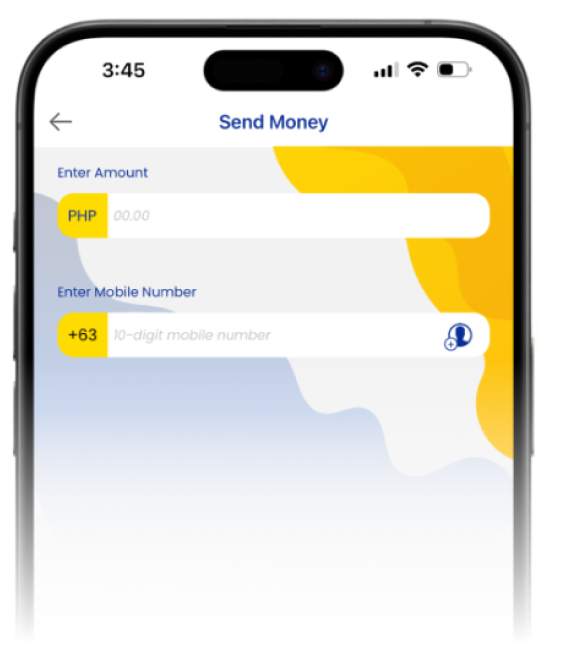
Send to a Starpay Account
- 1.On the dashboard, tap on "Send Money"
- 2.Tap "Send to Starpay Wallet"
- 3.Input the amount you want to send and the mobile number of the person you want to send money to.
- 4.Tap on "Continue".
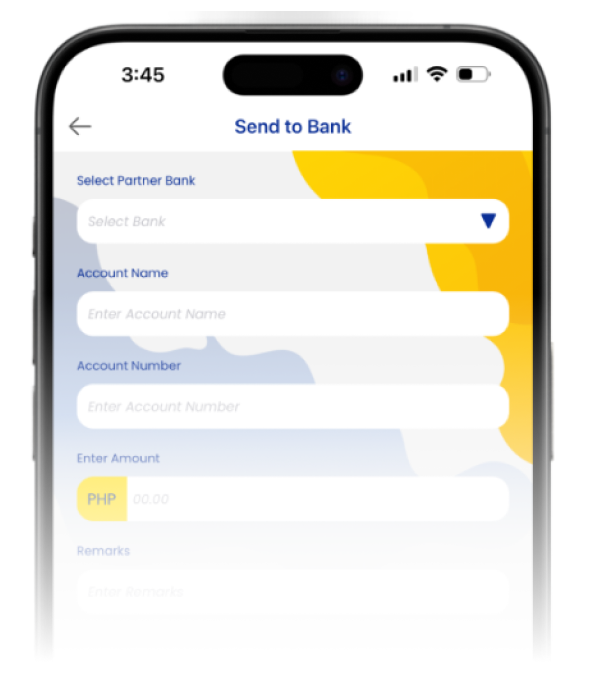
Send via Instapay
- 1.Select Send Money
- 2.Select "Send to Bank"
- 3.Enter/Select Bank or E-Wallet Provider
- 4.Input Account name, Account number (can be mobile number if destination is to E-Wallet)
- 5.Enter Amount
- 6.And Enter Remarks