


Payments Made Simplerwith Starpay's Pay QR
STEPS
- 1.Open your Starpay App
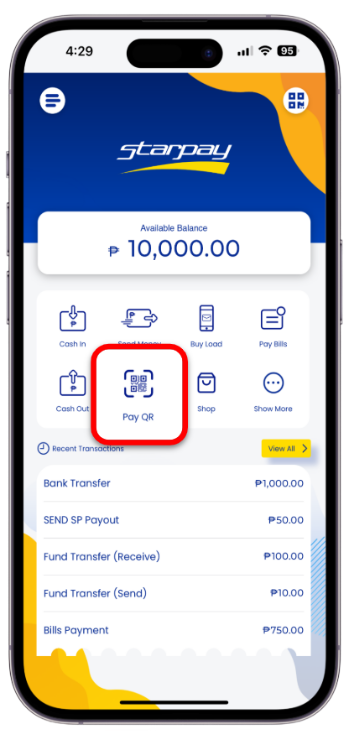
- 2.Just click the Pay QR and allow Starpay to access your camera.
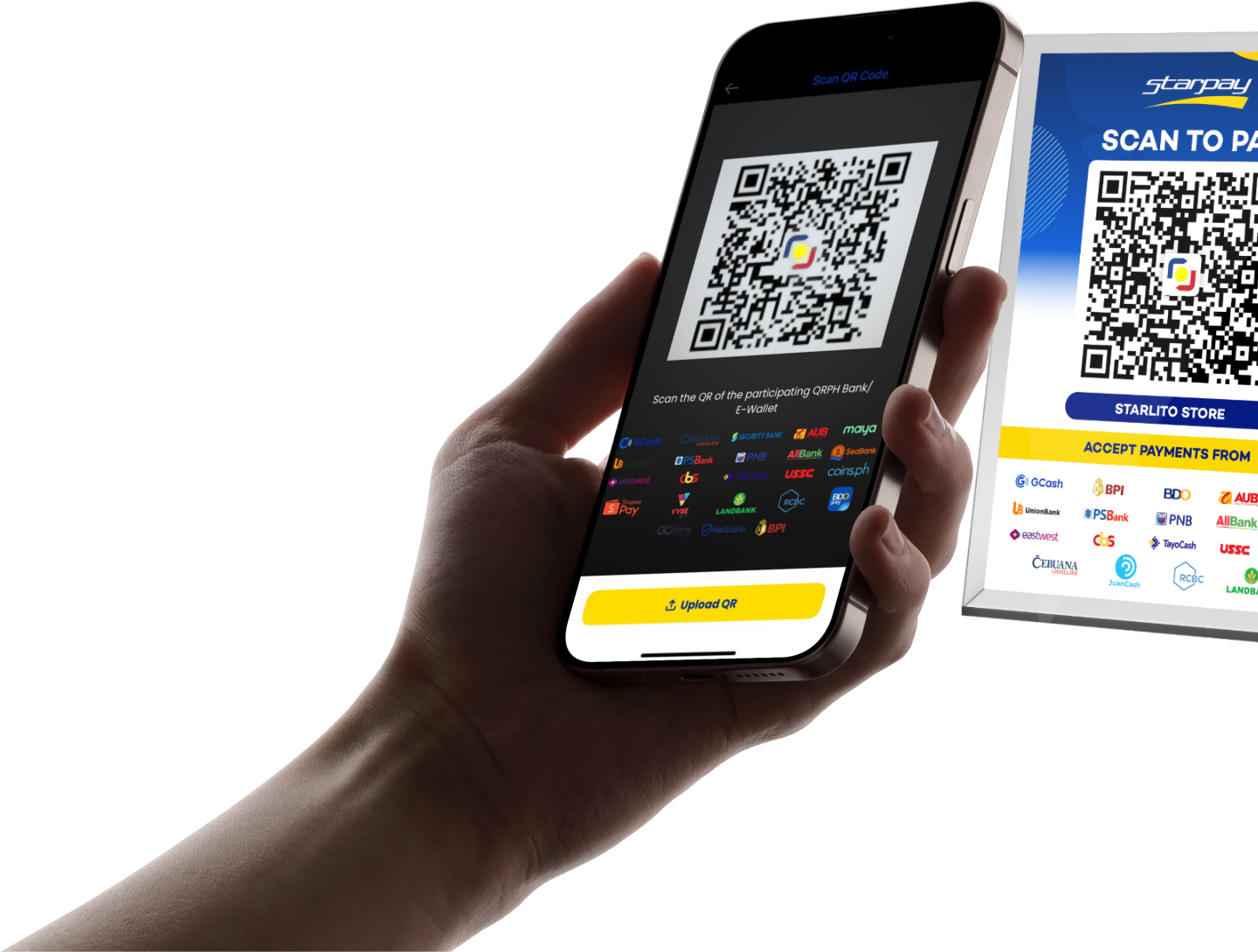
- 3.After allowing, simply scan the QR Code. Please make sure that you have a stable internet connection.
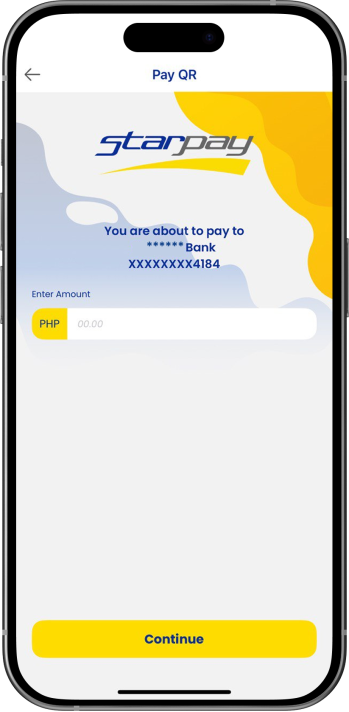
- 5.By successfully scanning, you may now enter your remarks. Click 'Continue' once done.
- 6.Review the payment details and click Continue if all details are correct. You may also click the back button if there are incorrect details.
- 7.Once the payment has been successfully made, the transaction complete screen will display and the amount will be deducted from your Starpay wallet. The transaction is automatically recorded in the Transaction History.