



Safely Add Money to your Starpay Wallet
How to Cash In via Instapay
- 1.Log in through your preferred online bank (BDO, BPI, Security Bank, PNB, etc.)
- 2.Choose transfer to another bank via instapay.
- 3.Choose "Starpay Corporation"
- 4.Enter your Starpay-registered mobile number (09XX XXX XXXX)
- 5.Enter the One Time Pin sent to your phone.
- 6.Confirm details.
Claim remittances from your relativesabroad through Starpay!
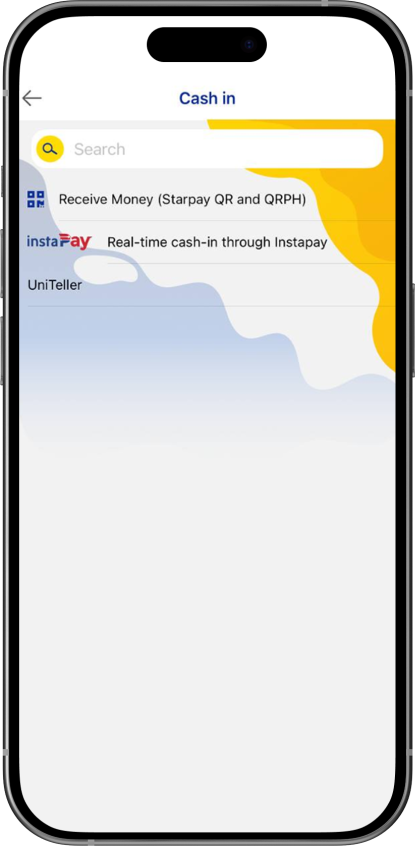
- 1.In the Starpay app, click "Cash In" and choose "Uniteller".
- 2.Enter the 10-digit unique reference number (issued by Uniteller), and then click "Continue."
- 3.Review the details, then click "Continue" once all information is correct.
- 4.Success! Your Starpay wallet balance must be updated.